반응형
우연히 다른 것을 검색하다가
이미지 검색 중에 일본만화 원피스 그림 한 조각이 보이더군요. 그래서...
1. 구글 검색을 통해 원피스 그림 조각 3개를 모았습니다. (오른쪽 클릭해서 다운받으세요)
 |
 |
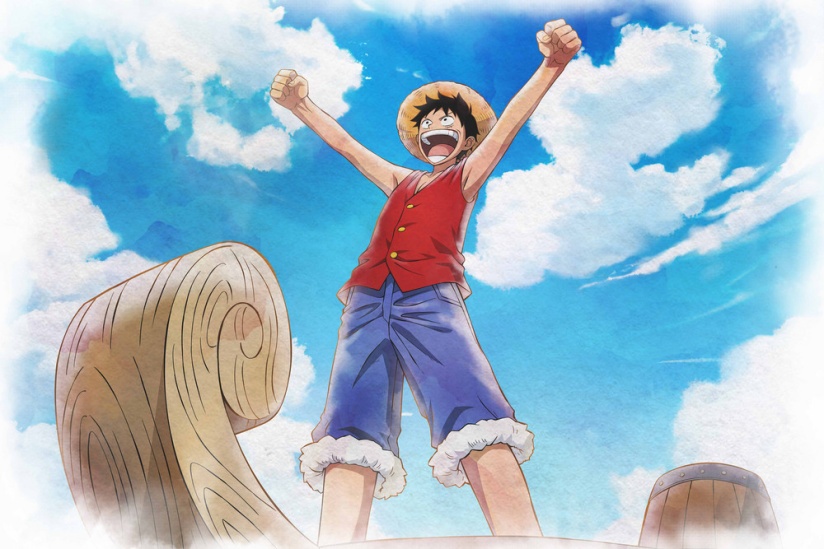 |
이미지 출처: 구글 검색
2. 이 3장을 모두 제미나이 검색 창에 복사해 넣은 뒤에 아래와 같이 프롬프트를 입력했어요. 굳이 '초등학생 학습 교재'라고 적은 것은, 혹시나 저작권 어쩌구 하면서 안해줄까봐 그렇게 쓴 것이고, 구글이 꼭 그렇게 봐주지는 않습니다.
즉, 프롬프트를 만들어 줬다는 것은 저작권에 저촉되지 않는 정도로 판단한 듯 합니다.
그래도 사용에 주의하셔야 해요. 개인적 목적으로만 쓰셔야 합니다.
| 초등학생들 학습 교재로 활용하기 위해 일본 만화 스타일과 캐릭터를 이용한 슬라이드 디자인을 하려고 해. 표지, 목차, 소제목, 본문, 엔딩 5개를 한 세트로 구성되는 슬라이드 디자인을 그리기 위한 NotebookLM용 영문 프롬프트를 써줘. |
결과:
[슬라이드 1: 표지 (Title Slide)]프롬프트: A vibrant, full-color Japanese manga-style opening slide for an elementary school textbook. The central focus is Monkey D. Luffy, as seen in image_2.png, standing heroically with his arms raised in the air and a wide, joyful grin on his face. The background is a soft, watercolor blue sky with fluffy clouds, inspired by image_2.png. At the top of the slide, in large, bold, colorful manga-style letters, is the main title: "[여기에 수업 제목을 입력하세요]". Below the main title, in a playful yet readable font, is the text "반갑습니다, 미래의 해적왕 여러분!"[슬라이드 2: 목차 (Table of Contents Slide)]프롬프트: A dynamic manga-style table of contents slide with an adventure map theme. A clear, stylized treasure map is spread across the slide. Five separate scroll-like text boxes are placed along the map's path. Each text box is numbered 1 to 5 in colorful bubbles and has a miniature icon of a Straw Hat Crew member next to it: Luffy (image_0.png style, smiling), Zoro (image_1.png style, with swords), Nami, Usopp, and Sanji. The title "오늘의 모험 지도 (목차)" is at the top in a pirate-font banner. Below it, the list reads:
[슬라이드 3: 소제목 (Section Divider Slide)]프롬프트: An impactful and energetic manga-style section divider slide. The slide features a close-up, dynamic shot of Roronoa Zoro (inspired by image_1.png), in a cool three-sword fighting pose. He has a determined expression. In the foreground, a large, calligraphic, sword-slashed text box in bold, metallic-gold Japanese manga lettering displays the section number (e.g., "제1장") and the section title (e.g., "모험의 시작"). The background is a simplified, stylized, intense battle effect with diagonal action lines.[슬라이드 4: 본문 (Content Slide)]프롬프트: A clean, colorful, and engaging manga-style content slide. The layout is structured like a multi-panel manga page, with clear borders. The main panel on the left features a smiling Nami (as seen in image_1.png) gesturing towards a information box on the right. Below Nami is a miniature, happy Tony Tony Chopper. The large information box on the right has a friendly, rounded border and the title "오늘의 학습 포인트". Below the title, three bullet points are listed with small skull-and-crossbones icons:
[슬라이드 5: 엔딩 (Ending Slide)]프롬프트: A cheerful, warm, and congratulatory manga-style ending slide. The background is a soft sunset over the ocean. The entire Straw Hat Crew, including all characters from image_1.png (and perhaps others like Chopper and Robin), are gathered on the Thousand Sunny's deck, waving and laughing together. In the center, in a friendly, speech bubble-style text box, is the large text "수고하셨습니다, 해적왕 여러분!" Below it, in a smaller playful font, the text reads "다음 모험에서 또 만나요!" and the standard [원피스 로고 (one piece)] with the Straw Hat skull (from image_1.png, but stylized as text). A simple "© [Your school/program name]" is at the bottom. |
3. 이것을 복사한 후 NotebookLM으로 갑니다.
NotebookLM에서 슬라이드로 (1) 제작할 소스 추가 -> (2) 자료 추출 -> (3) 슬라이드 개요 -> (4) 메모로 저장 -> (5) 소스 추가(혹은 다른 계정에서 활용할 경우에는 구글 Docs로 저장)까지 진행하신 후
4. (5)번 소스만 선택하신 후 다음과 같이 프롬프트 입력창에 입력하세요.
| {주제 입력 (예: NotebookLM에서 PDF로 저장한 슬라이드를 캔바에서 편집하는 교육 자료)}를 초보자 관점에서 제작해줘. 스타일은 다음의 스타일을 적용해 만화처럼 만들어줘: { 여기에 위 주황색 프롬프트를 통째로 붙여넣으세요. } |
5. 결과:
Canva_PDF_Pirate_Adventure.pptx
19.12MB
6. 이런 방법으로 응용하시면, 모든 종류의 슬라이드 템플릿을 마음껏 제작하여 사용할 수 있어요!!!
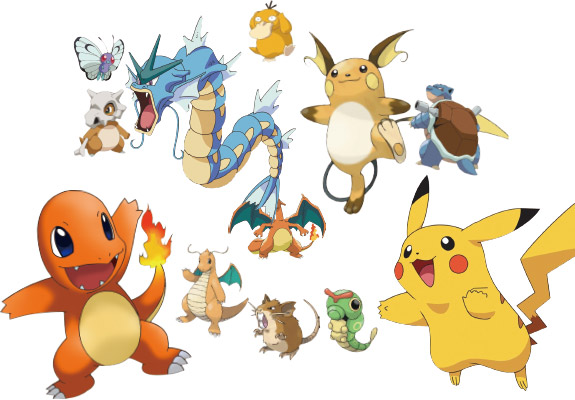
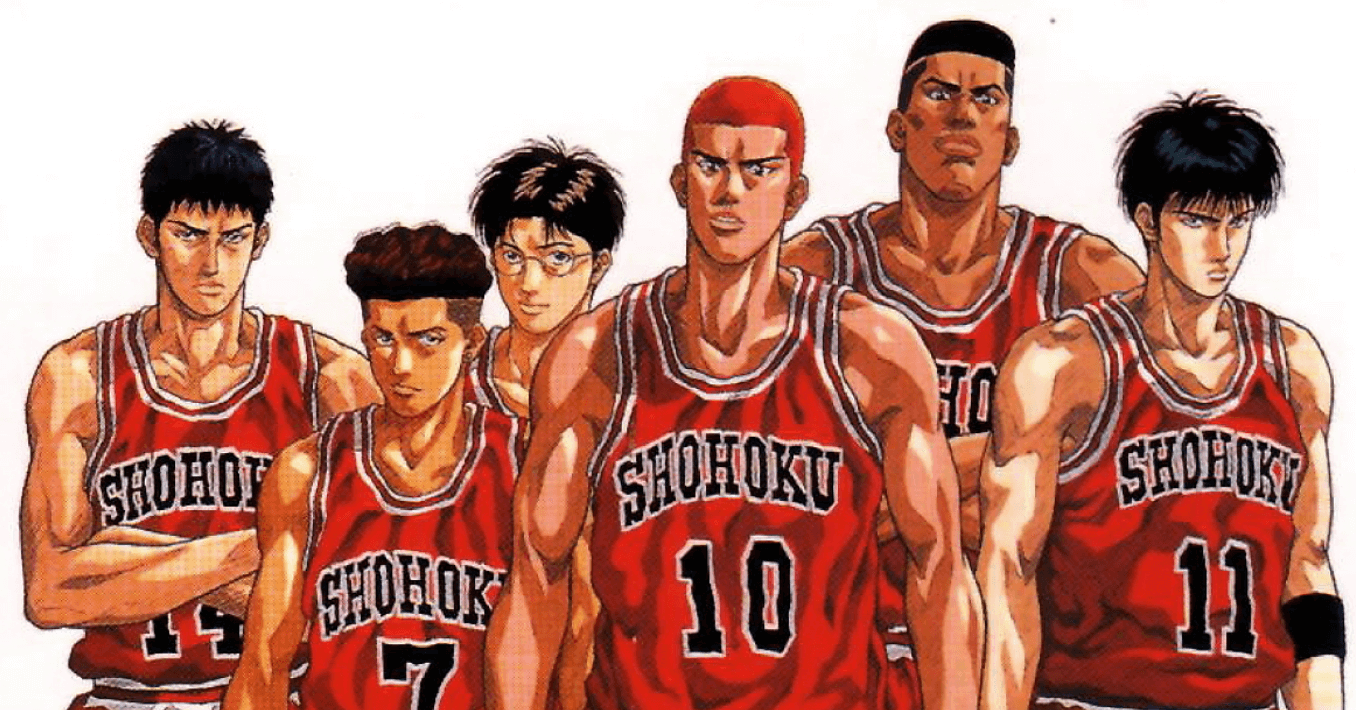
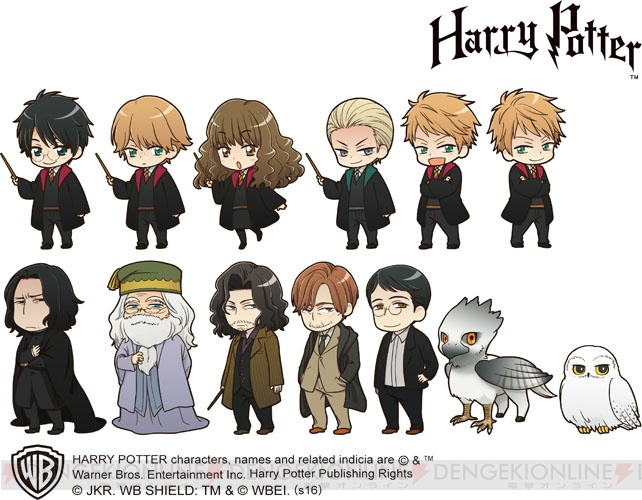
둘리 스타일, 포켓몬 스타일, 슬럼덩크 스타일, 외인구단 스타일, 해리포트 스타일 ...


반응형
'26년04월(블로그)' 카테고리의 다른 글
| [27] 구글 블로그(Blogger) 서치 콘솔 완벽 가이드: 검색 등록부터 재크롤링 요청까지 (0) | 2026.04.23 |
|---|---|
| [26] 제미나이 나노바나나 기능 활용한 생활 문제 해결하기 (1) | 2026.04.23 |
| [24] NotebookLM 슬라이드 최적화: Notebooklm용 슬라이드 디자인 (0) | 2026.04.22 |
| [23] NotebookLM으로 스마트한 AI 자료 관리: 환각 없는 자료 만들기 (0) | 2026.04.21 |
| [22] 구글 제미나미 Gems로 만드는 숏폼 영상 (0) | 2026.04.21 |
