반응형
지난 번에 이미지 일관성을 위해 이미지 샘플북 템플릿을 소개했는데요...
NotebookLM에서 이미지를 한꺼번에 그릴 때,
character.txt (또는 캐릭터.txt) 파일을 소스로 추가하고 이미지를 그리면 대체로 일관성이 유지되었어요.
하지만 말 그대로 '일관되게' 유지되지는 않죠.
그때그때 상황에 따라 조금씩 튄다고 할까요?
그래서, 지난번에 썼던 템플릿을 다시 소환해서 Image Sample Book을 만들어봤어요.
먼저 프롬프트를 조금 수정하였습니다. (주황색 부분)
A vivid watercolor, illustration style professional studio reference sheet, structured as a neat 2x3 grid with one additional standing full-body shot to the side, all against a clean white background. The text "Achilles Image Sample Book" is positioned in the top left. The grid contains high-quality close-up portrait photographs of a specific subject @Achilles_Armored from multiple angles and expressing key emotions.
The top row of the grid features three portraits:
Front: Facing forward, a clear head-and-shoulders portrait.
Side: A perfect profile portrait.
Rear: A detailed view from the direct rear, focusing on the back of the head and hair.
The bottom row of the grid features three additional head-and-shoulders portraits showing specific emotions: 4. Neutral: A blank, relaxed facial expression. 5. Anger: A state on the verge of exploding with disappointment and anger. 6. Sad: Grief-stricken after losing colleagues or family
To the right of the grid, a separate full-length, standing photograph shows the entire subject (head to toe). All photographs share a consistent high-fidelity, realistic photo style with soft, professional studio lighting.
@Achilles_Amored, Odysseus, Agamemnon 이미지들
 |
 |
 |
| Odysseus | Agamemnon | Achilles |
결과1 Odysseus:

결과2 Agamemnon:

결과3 Achilles:

황금사과와 세 여신
 |
 |
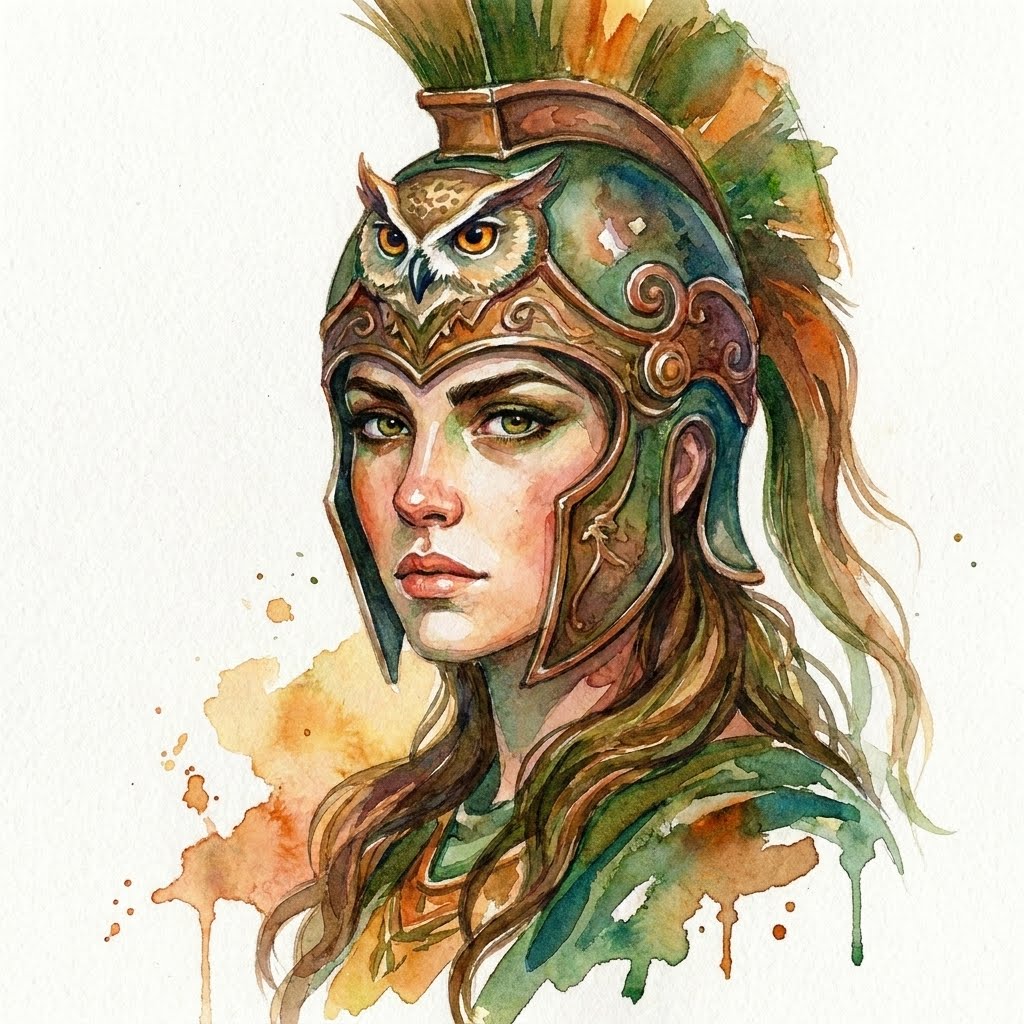 |
| Aphtodite | Hera | Athena |

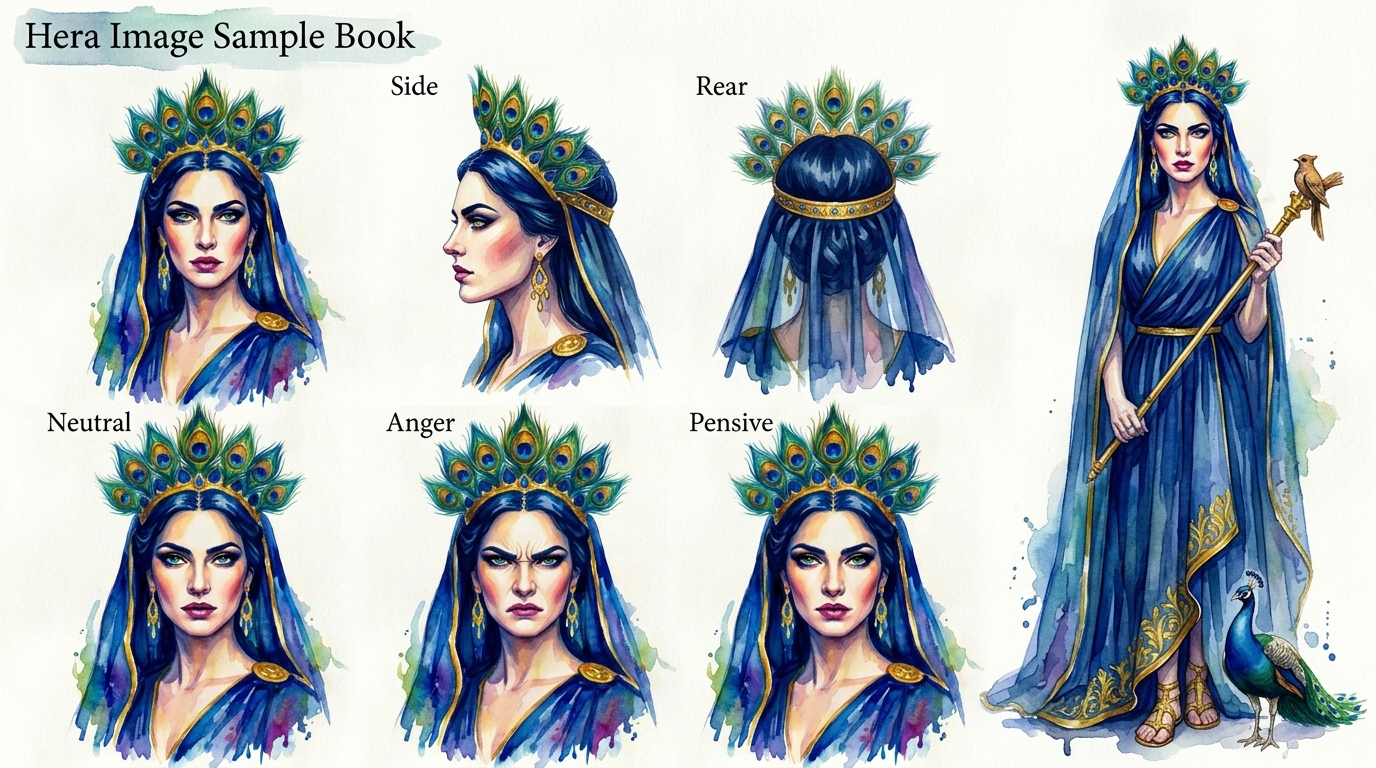
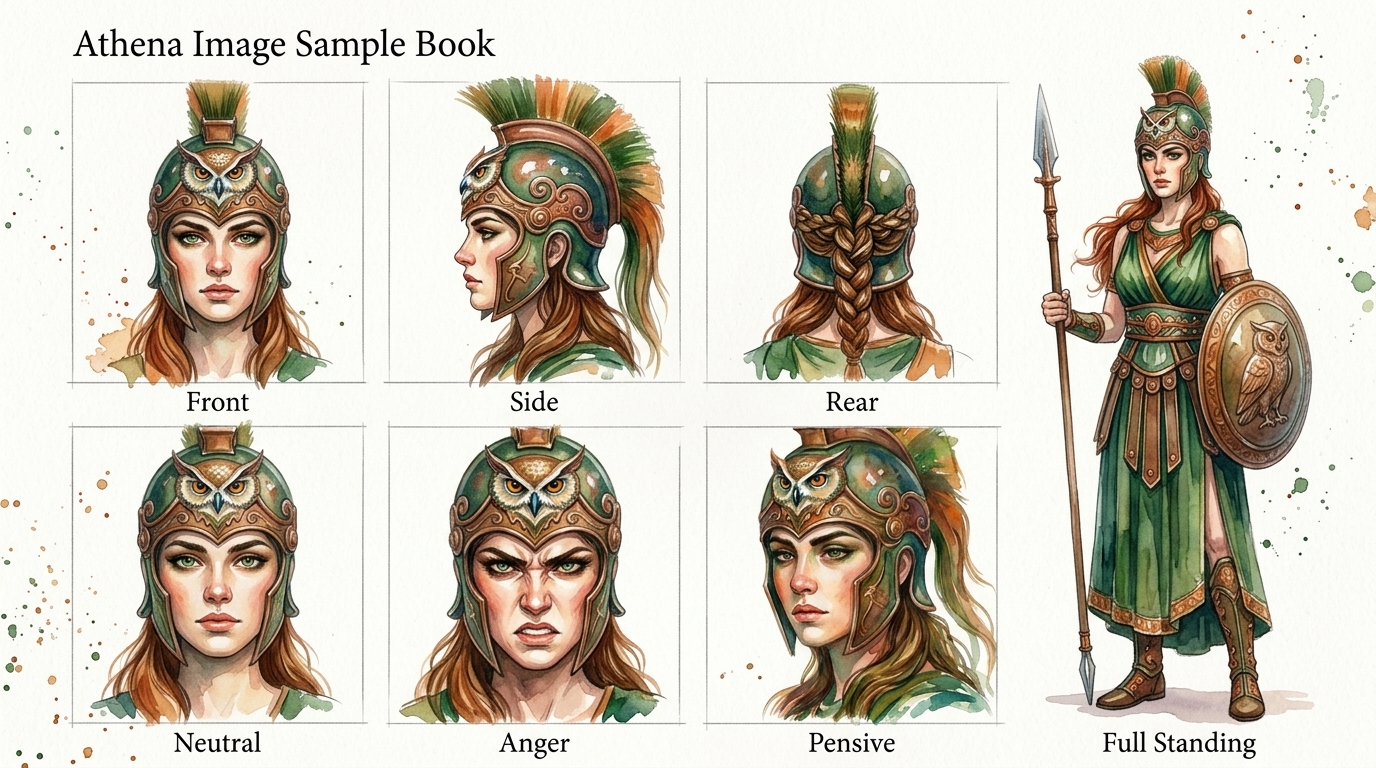
NotebookLM의 소스로 추가하는 방법
NotebookLM은 이미지 파일을 직접 소스로 등록할 수 없습니다.
방법은 다음 셋 중 하나를 쓰면 됩니다.
1. PDF로 전환하여 등록
2. 구글 문서에 캐릭터 이름과 이미지를 순서대로 나열하여 등록
3. 이미지를 제미나이에게 주고, 분석 보고서를 작성 요청 -> 텍스트 파일(또는 구글 문서)로 등록
3번을 추천합니다.
절차가 복잡하긴 하지만(이미지 생성 -> 샘플북 생성 -> 제미나이 분석 -> 소스 등록),
결과는 가장 잘 적용됩니다.
반응형
'26년05월(영상제작)' 카테고리의 다른 글
| [19] NotebookLM을 활용한 시니어 옛날이야기 영상 제작 (0) | 2026.05.27 |
|---|---|
| [18] NotebookLM을 이용하여 심리영상 제작 자동화하기 (0) | 2026.05.26 |
| [11] NotebookLM을 이용하여 이미지 자동 생성하기 (0) | 2026.05.19 |
| [10] Flow용 템플릿 - 이미지 샘플북을 만들기 위한 템플릿 프롬프트 (0) | 2026.05.18 |
| [09] 디테일을 추가해 가며 캐릭터 그리기 (1) | 2026.05.14 |


